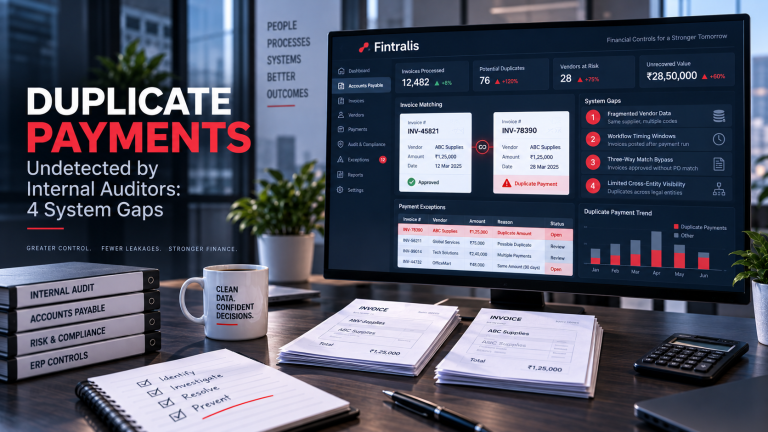
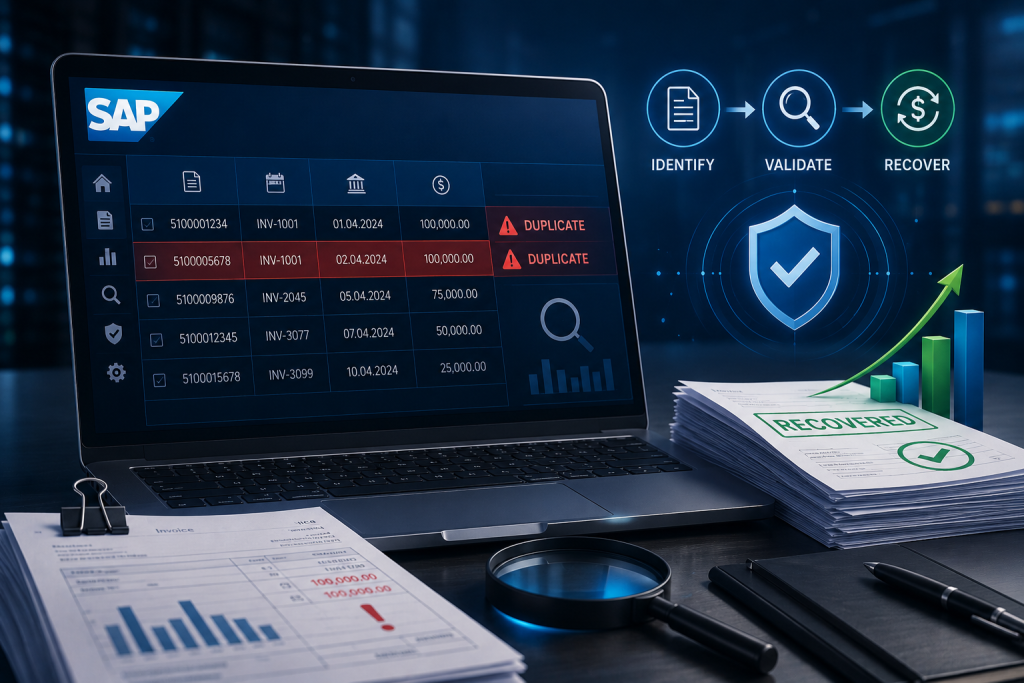
SAP is built to prevent duplicate payments. Matching logic compares invoice, purchase order and goods receipt. Document parking requires approval before posting. Payment runs check for existing cleared items. Yet duplicate payments still occur, and they accumulate in the system until someone runs a targeted search.
The issue is not that SAP lacks controls. The issue is that real-world AP workflows create gaps that duplicate payments slip through.
Why SAP Duplicate Payments Happen
Configuration settings determine how strictly SAP enforces duplicate blocking. Many implementations leave critical reference fields optional to avoid halting invoice processing when data is incomplete. When an invoice reference number is blank or inconsistently entered, SAP cannot match it to an existing document.
Park-and-post workflows bypass three-way matching. An invoice is parked, approved outside the system, then posted manually. If the same invoice was already entered through a different channel, SAP does not flag the duplicate because the parking document and the posted document exist in different states within the workflow.
Decentralised AP processing creates duplication when different business units or subsidiaries enter the same supplier invoice independently. SAP sees them as separate vendor master records or separate company codes. The invoice number might be identical, but the system does not compare across entities unless specifically configured to do so.
Invoice tolerances allow small variances between PO and invoice to pass through automatically. A supplier submits an invoice twice with amounts that differ by a few cents due to tax rounding or currency conversion. Both invoices match the PO within tolerance and both get paid.
Where Duplicates Hide in SAP Data
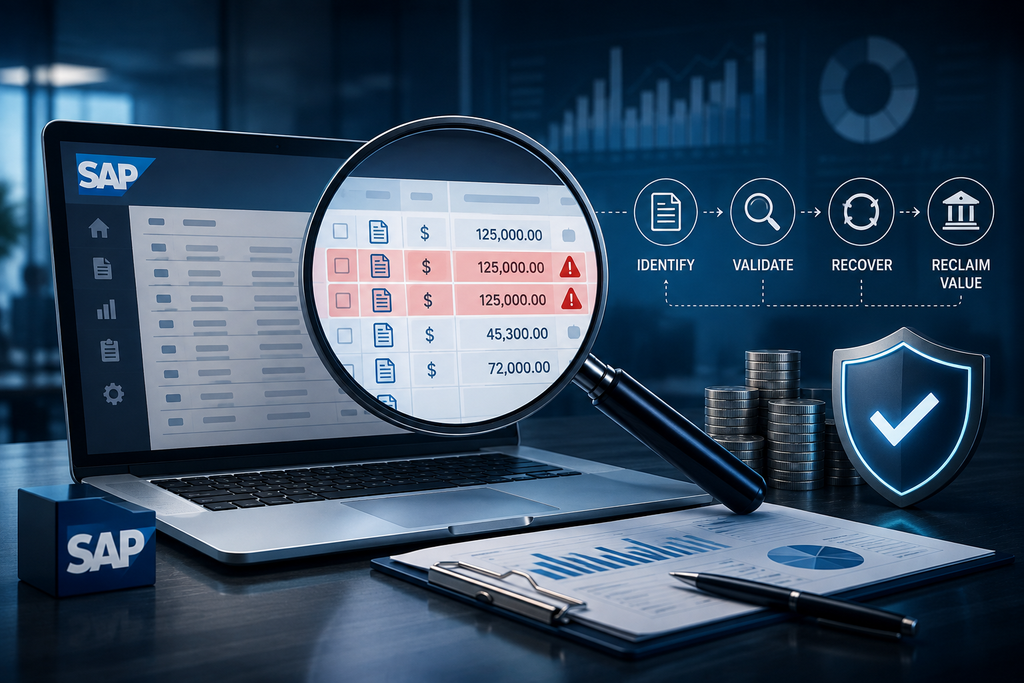
Duplicate payments are not flagged in standard reports. They sit in BSEG and BKPF as ordinary cleared line items. Identifying them requires comparing payment transactions for patterns that indicate the same invoice was paid more than once.
Common indicators include identical amounts paid to the same vendor within a short time window, invoice numbers that differ by a single character or space, and payment reference fields that are blank or populated with generic text like “payment” or “invoice”. Multiple payments linked to the same purchase order but with different invoice numbers can also signal duplication, especially if amounts match.
Manual payment runs are higher risk. When AP staff override automatic payment processing to clear an urgent invoice, the transaction bypasses duplicate checks. If the invoice was already queued for the next payment run, it gets paid again.
Period-end processing introduces errors under time pressure. Invoices are posted rapidly to close the period, and duplicate checks are skipped or performed less rigorously. Reviewing transactions posted in the final days of a quarter often uncovers duplicates.
Recovery Process and Vendor Response
Once a duplicate is confirmed, recovery depends on documentation and vendor cooperation. You need proof that both payments relate to the same invoice or obligation. Extract the relevant SAP documents, match them to supplier invoices and PO records, and present the evidence clearly.
Most vendors will issue a credit or refund when presented with clear evidence. The practical challenge is getting vendor attention. AP departments at large suppliers process thousands of transactions and may not respond promptly to refund requests. Escalation through procurement or supplier relationship managers can help.
Some vendors deny the duplicate even when documentation is conclusive. They may claim the payments were for different invoices or that a credit has already been issued. Recovering in these situations requires persistence and sometimes formal demand. Offsetting the duplicate against future invoices is an option if the commercial relationship continues.
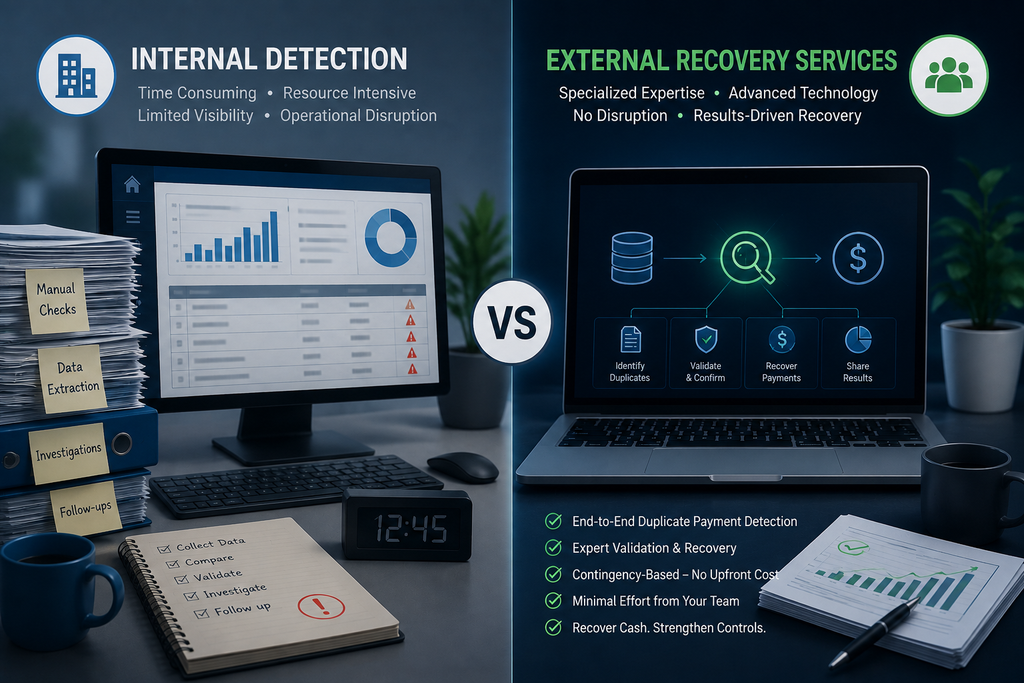
Internal Detection vs External Recovery Services
Finance teams can detect duplicates if they have the technical capability to query SAP tables and the time to investigate potential matches manually. The difficulty is that duplicate detection is not a standard FP&A or accounting function. It requires understanding SAP’s data model, payment workflows, and how to distinguish genuine duplicates from legitimate repeat transactions.
Building internal capacity means training staff or hiring specialists. The alternative is an external service that operates on contingency — no upfront cost, fees only on recovered amounts. The trade-off is control versus resource allocation. If you have the capability in-house and the bandwidth to execute, internal detection may be preferable. If not, contingency services align cost with outcome.
What Finance Leaders Should Do
Run a diagnostic review of SAP payment data. Focus on the last 24 to 36 months where duplicate recovery is most straightforward. Look for the patterns described above — matching amounts, near-identical invoice references, blank payment fields, and high-volume periods like quarter-ends.
Document what you find. Quantify the total value and assess whether recovery is worth pursuing internally or through a third party. Duplicates are not a system failure. They are a normal byproduct of AP operations at scale. The question is whether you recover the cash or leave it with your vendors.
Frequently asked questions
How do duplicate payments happen in SAP despite built-in controls?
Duplicate payments in SAP occur when invoices bypass standard matching workflows through park-and-post shortcuts, when different business units enter the same supplier invoice separately, or when invoice reference fields are left blank or inconsistently populated. SAP’s duplicate-blocking logic depends on specific field combinations being correctly populated, and many implementations leave these fields optional or rely on manual data entry that introduces variation.
Where should I look in SAP to find duplicate payments?
Start with table BSEG for line-item postings and join to BKPF for document headers, filtering for identical vendor, amount and payment date within narrow windows. Check cleared items in vendor account statements where payment reference fields differ but core transaction details match. Review parked documents that were posted multiple times and manual payment runs where PO/invoice matching was overridden. Focus on period-end processing windows when volume spikes.
Can I recover duplicate payments made months or years ago?
Recovery is possible regardless of payment age, though older duplicates require more documentation. The recovery approach depends on vendor relationship and amount. For cooperative vendors, present matching documentation and request a credit or refund. For unresponsive vendors, the process may involve offset against future invoices or formal demand. The limitation is proving the duplicate occurred, not the passage of time. Most jurisdictions do not impose a statutory time limit on recovery of erroneous overpayments between commercial parties.
What SAP reports show potential duplicate payments?
Standard SAP does not include a dedicated duplicate payment report. You need to build queries using SE16 or custom ABAP reports that compare BSEG line items by vendor number, amount, posting date and payment reference. Look for matching amounts paid within 30-60 days to the same vendor where invoice numbers differ by a single character or where one transaction has a blank reference. SAP Query and BEx Query Designer can automate these comparisons if you have the technical resource to build them.
How much do duplicate payments typically cost a company?
The cost depends entirely on AP volume and control environment. Companies processing tens of thousands of invoices annually through SAP typically have duplicates in the system, though materiality varies. The recovery potential is a function of transaction volume, not a fixed percentage. What matters for finance leaders is that duplicates exist as a hidden cost until actively searched for, and recovery is feasible once identified. The opportunity cost is real — that cash could be deployed elsewhere.
Should I assign internal staff to find SAP duplicate payments?
Internal teams can identify duplicates if they have the technical skill to query SAP tables and the capacity to investigate matches manually. The challenge is that duplicate detection requires understanding both SAP transaction structure and payment operations — a combination rarely found in a single role. Staff also lack leverage with vendors during recovery. External recovery services work on contingency, meaning no upfront cost and alignment of interest. The decision comes down to whether you have available skilled resource and whether diverting that resource from other priorities delivers better value than a contingency arrangement.