Your ERP has duplicate-detection rules. They fire when two invoices share the same number and vendor code. They work fine for perfect duplicates — the same PDF uploaded twice, the same invoice keyed in Monday and again on Friday.
The problem is that most duplicates are not perfect. They have small variations that your system interprets as separate transactions. A supplier changes its legal name after an acquisition. An invoice gets split across two PO lines. A clerk rekeys a number and adds a space. The ERP sees distinct records. You see two payments for the same work.
Where Standard ERP Duplicate Checks Stop
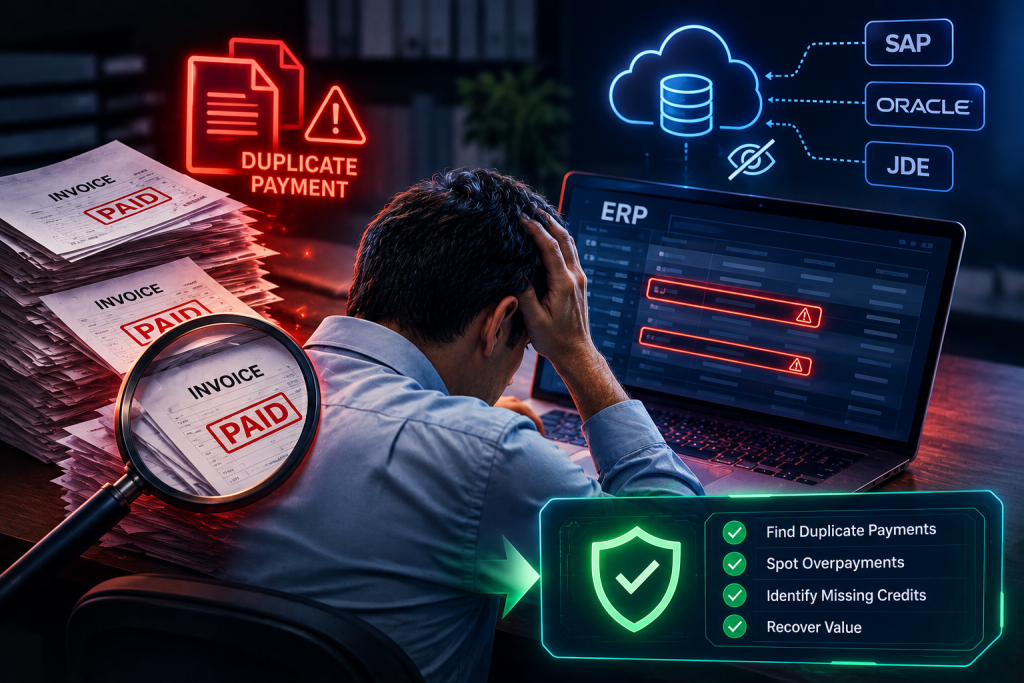
SAP, Oracle, and JD Edwards all include some form of duplicate-invoice logic. The scope is narrow. The system compares a short list of fields — typically invoice number, vendor ID, and sometimes amount or date. If those fields match exactly, the invoice is flagged. If any one field differs, it passes.
This works when the same invoice document is entered twice without changes. It fails when:
- The vendor master record has been updated, merged, or replaced
- The invoice number includes extra characters, spaces, or punctuation
- The amount differs by cents due to rounding or foreign-exchange conversion
- The invoice is split into multiple line items under separate headers
- The GL date or posting period differs between entries
- One invoice was entered manually and another via EDI or OCR
These variations are common. They occur in normal operations, especially in companies that have grown through acquisition or operate across borders with decentralized AP teams.
Vendor Master Fragmentation
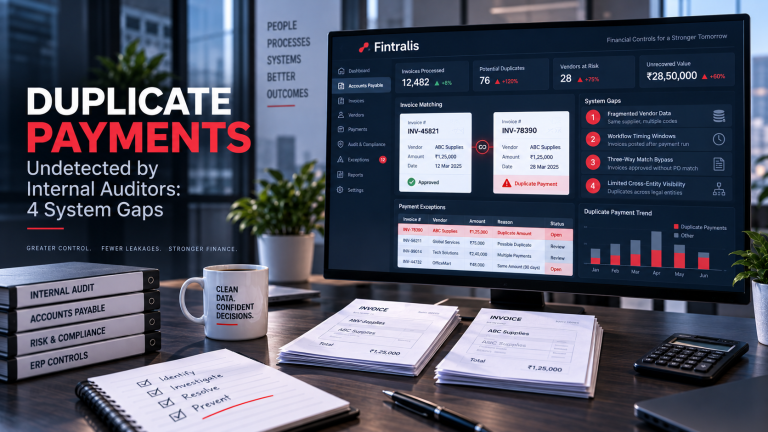
The single largest source of undetected duplicates is vendor master data. The same supplier appears in your system under multiple codes. This happens after mergers, when a vendor rebrands, or when regional teams create local records without checking for existing entries.
Your ERP has no way to know that “ABC Services Ltd” and “ABC Services Limited” are the same entity. It has no way to know that “XYZ Corp” was acquired by “Global XYZ” and both records now point to the same bank account. Each vendor code is an independent key. Invoices processed under different codes will never trigger a duplicate flag, even if they reference identical work, dates, and amounts.
Fixing vendor master data is a separate project. It requires cross-referencing tax IDs, bank details, addresses, and contact records. Most finance teams lack the time or tooling to do this at scale. The result is an ERP that contains dozens or hundreds of duplicate vendor identities, each creating a blind spot in your duplicate-payment controls.
Split Invoices and Partial Payments
A supplier submits one invoice for $50,000. Your procurement system has two PO lines covering that work, each with a $25,000 limit. The AP clerk splits the invoice into two entries, one per PO, each showing $25,000 and each carrying a slightly different reference.
The ERP sees two valid invoices, matched to two valid POs, each within tolerance. The payment run processes both. The supplier receives $50,000 twice. The duplicate-detection logic never fires because the invoice numbers, PO references, or line-item details differ.
This pattern also appears when partial payments are recorded separately, when retainage is released in stages, or when an invoice is entered once at the PO level and again at the contract level. The underlying economic transaction is the same. The system-level identifiers are not.
Data-Entry Variation
A human types an invoice number. Another human types the same invoice number. One adds a leading zero. One omits a hyphen. One includes a trailing space. The ERP compares the strings and finds them unequal.
These variations are trivial to a person reviewing a printed page. They are absolute to a database. Standard duplicate-detection logic performs exact string matching. Any difference in length, case, or whitespace results in a non-match.
The same issue appears with amounts. One invoice is entered as $12,345.60. Another is entered as $12,345.6. In some ERP configurations, those are distinct. Even when the system stores amounts as decimal types, rounding rules or currency conversions can introduce cent-level differences that prevent a match.
What You Can Do Without Changing Your ERP
You cannot rewrite your ERP’s duplicate logic. You can run supplementary checks outside the system using a copy of your transaction data. This is what most duplicate-payment recovery efforts do.
The process involves exporting payment history — typically three to five years — and applying broader matching rules. These rules use fuzzy string comparison, normalized vendor names, date ranges instead of exact dates, and amount tolerance bands. The goal is to identify pairs or groups of payments that are economically identical even if their database records differ.
This type of analysis is more data-intensive than running an ERP report. It requires joining payment, invoice, vendor, and sometimes PO and contract data. It requires cleaning text fields, standardizing formats, and applying pattern-matching logic that goes well beyond SQL. Most finance teams outsource this work.
Recovery Is Separate from Detection
Finding a duplicate payment is not the same as recovering it. Once you have a list of candidate duplicates, you must verify each one, confirm that both payments reached the vendor, and document the original versus the duplicate. Then you contact the vendor, provide evidence, and request a refund or credit.
Vendors do return duplicate payments, but the process is manual and success depends on how you approach it. If you send a spreadsheet with no context, you will get a slow response or none. If you send a packet with matched remittance details, invoice copies, and a clear reconciliation, you will get a faster answer and a higher recovery rate.
This is why most duplicate-payment recovery is done on contingency. The detection work is less difficult than the collection work, and charging a percentage of recovered funds aligns incentives. You get the analysis, the verification, and the vendor outreach in one package, and you pay only on results.
If your company processes tens of millions in AP annually, there are duplicates your ERP has not caught. The question is whether it is worth the effort to find them. For most finance teams, the answer is yes — as long as someone else does the work.
Frequently asked questions
Why doesn’t SAP catch all duplicate payments automatically?
SAP matches on exact invoice number and vendor code by default. When a supplier changes their legal name, submits a second invoice under a PO line, or an AP clerk rekeys data with a typo, the system treats them as distinct transactions. Most duplicates arise from data-entry variation, not identical records.
What types of duplicate invoices do ERP systems typically miss?
ERPs miss duplicates when vendor names change slightly, invoices are split across multiple entries, amounts differ by a few cents due to rounding, dates shift between entry and posting, or invoice numbers contain extra spaces or characters. Human error and supplier rebranding create most gaps.
How do you detect duplicate payments across multiple ERP instances?
Cross-instance detection requires a normalized layer that maps vendor identifiers, reconciles business units, and applies fuzzy matching to amounts, dates, and descriptions. Each ERP holds its own vendor master, so consolidation at the data level precedes any duplicate logic.
Can you recover a duplicate payment after the vendor has been paid?
Yes, if the duplicate occurred within the past three to five years and you can document both the original and duplicate transaction. Recovery involves contacting the vendor with proof, issuing a formal request, and following up through their AP process. Success rates vary by vendor relationship and documentation quality.
What is the most common cause of duplicate payments in large companies?
Vendor master data fragmentation. The same supplier appears under multiple codes due to acquisitions, name changes, or decentralized procurement. AP teams process invoices against different vendor records for the same economic entity, and the ERP has no reason to flag them.
Do duplicate payment recovery services charge upfront fees?
Most contingency-based services, including Fintralis, charge only on recovered funds. You pay a percentage of actual cash returned. There are no upfront fees, software licenses, or monthly retainers. If nothing is recovered, you pay nothing.