The typical SAP invoice recovery pitch goes like this: hand over table access, wait six months, maybe get a report. By then the CFO who approved the project has moved on and the vendor contacts who could validate findings have changed roles.
Finance teams that actually recover money don’t wait for the perfect audit architecture. They use methods that produce results within the current fiscal year.
Why Most SAP Recovery Projects Stall
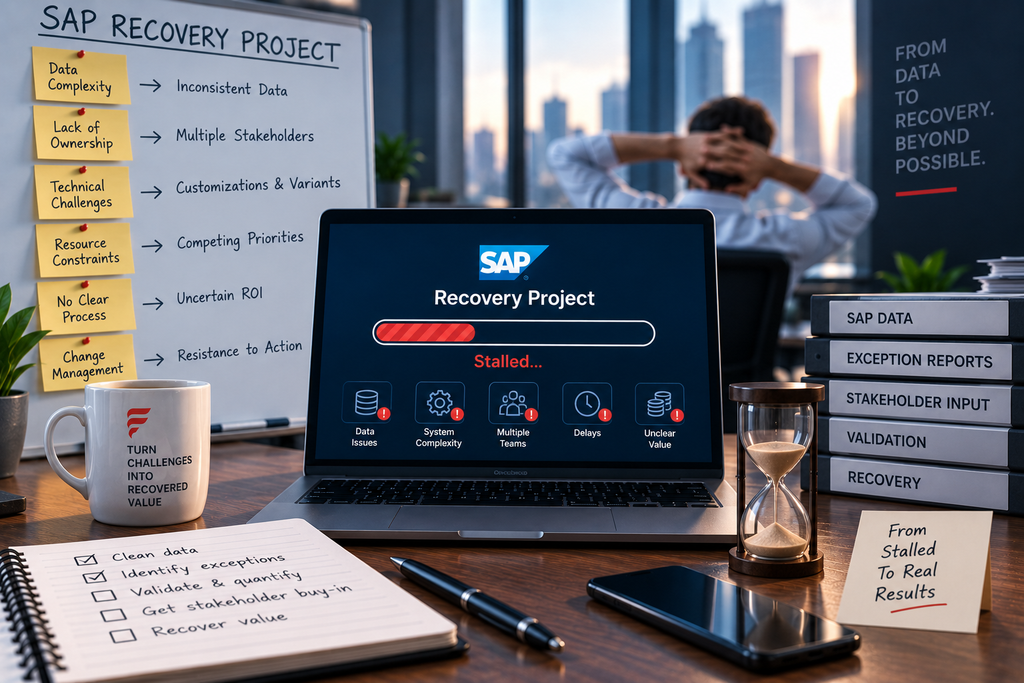
The roadblock is rarely the concept. Everyone agrees that finding overpayments makes sense. The problem is execution inside organisations where IT has seventeen higher-priority projects and the finance team lacks SAP table-level access.
Traditional recovery audits require custom ABAP development, data warehouse builds, or administrator permissions that take months to provision. By the time you get what you need, the business case has expired.
Practical SAP invoice recovery works around these constraints rather than through them.
Three Approaches That Don’t Need IT
Standard Transaction Exports
FBL1N gives you vendor line items. FBL3N provides GL line items. These transactions exist in every SAP installation and most finance users already have access. Export the tables, filter for payment documents, and run the analysis in Excel or whatever analytics platform your team actually uses.
This method won’t catch everything, but it surfaces obvious duplicates—identical amounts paid to the same vendor within days of each other. Those are the easiest recoveries anyway because they require minimal investigation.
Payment Run Analysis
Pull payment run data using transaction F110. This shows which invoices were paid together in automated runs versus manual payments processed outside the standard workflow. Manual payments bypass duplicate checks and three-way matching. They’re where errors concentrate.
Cross-reference manual payment documents against PO history. Invoice amounts that don’t tie to any purchase order line item often indicate duplicate payments or billing errors.
Vendor Master Forensics
Use XK03 to display vendor master records and FK10N for vendor balances. Look for multiple vendor numbers with similar names, addresses, or bank details. Duplicate vendor masters create duplicate payments even when invoice controls work correctly.
Also check for vendors with credit balances. A credit balance means you’ve paid more than you’ve been invoiced, which is exactly what recovery audits aim to find.
When You Actually Do Need IT Support
Some recovery opportunities require table joins that standard transactions can’t produce. Matching goods receipt quantities to invoice quantities across thousands of PO line items needs direct table access to EKBE, EKPO, and RBKP.
If your IT team can schedule a monthly extract of these tables, the analysis work still happens outside SAP in tools finance controls. You’re asking for data access, not custom development. That’s a smaller request that moves faster.
What the Data Actually Reveals
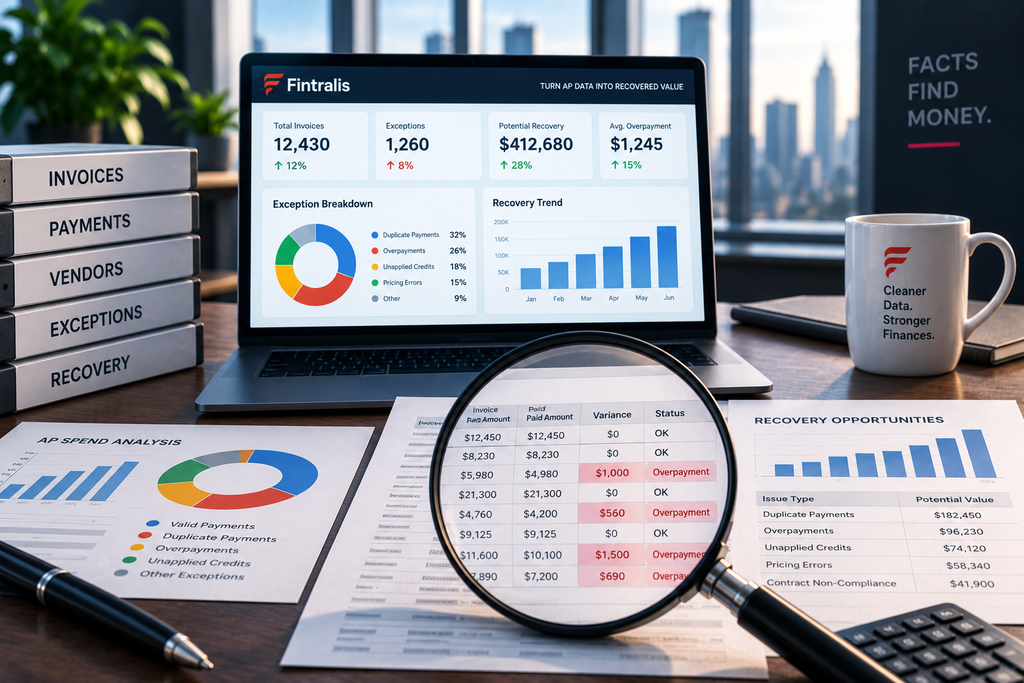
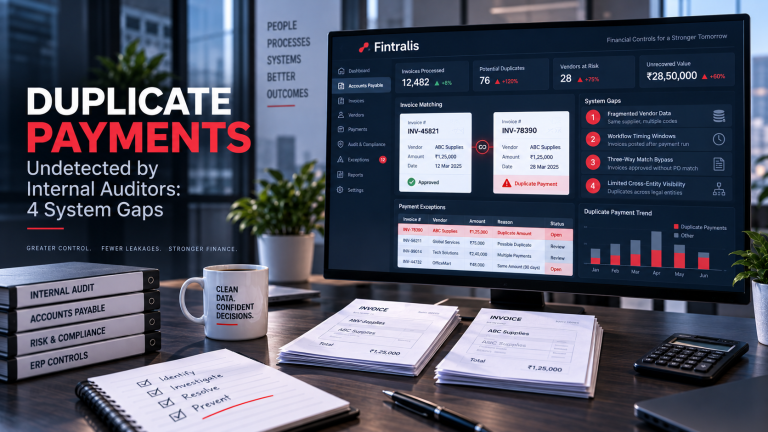
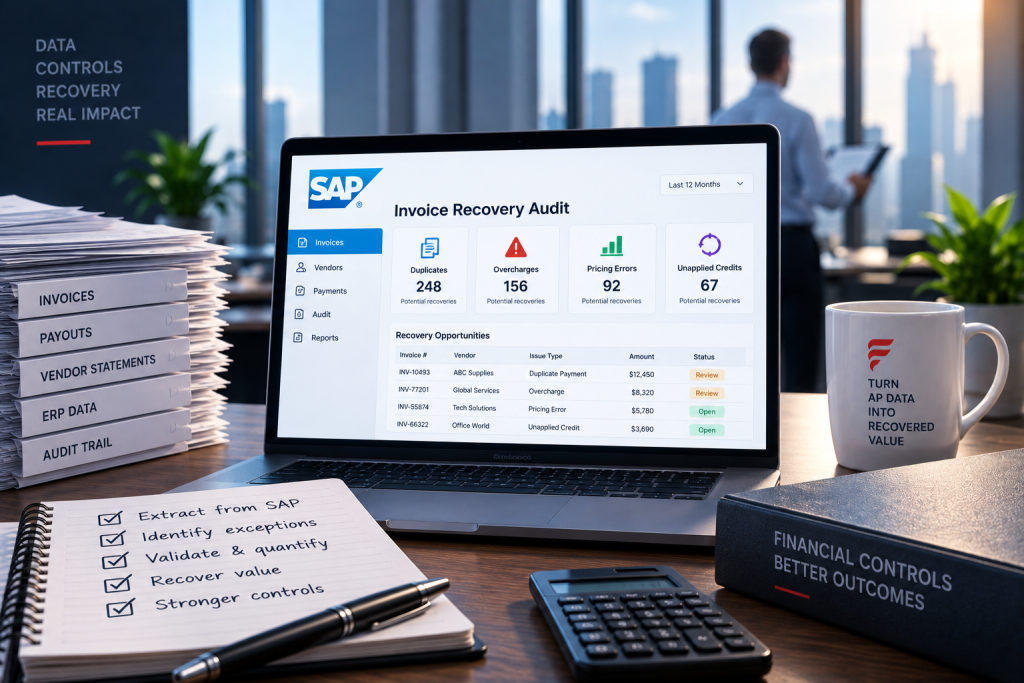
SAP recovery audits consistently find the same error types: duplicate invoice payments, pricing discrepancies where the paid amount exceeds the PO price, early payment discounts not taken, freight charges that don’t match contracted rates, and quantity mismatches where invoiced quantities exceed received quantities.
The distribution varies by company, but duplication and pricing errors typically dominate. These aren’t sophisticated fraud schemes. They’re process failures that happen when invoice volume exceeds the capacity of manual verification.
The Recovery Process Matters More Than the Audit
Finding overpayments is the easy part. Getting the money back requires vendor communication, documentation gathering, and dispute resolution. Vendors don’t write refund checks because you email them a spreadsheet.
Effective recovery means matching each finding to source documentation—the original invoice, the PO, the goods receipt—and presenting vendors with a packet they can verify against their own records. You need staff hours to assemble that evidence and follow through on collection.
Many finance teams discover this reality after the audit and realise they don’t have capacity for the actual recovery work. The findings sit in a folder.
Contingency Models Solve the Capacity Problem
If your team can’t dedicate resources to recovery execution, contingency arrangements shift that burden to the service provider. You share results, not overhead. The provider handles vendor communication, documentation, and collection. You validate findings and approve recoveries.
This only works if the provider already has SAP expertise and vendor recovery infrastructure. Building that from scratch inside your organisation takes years. Fintralis operates exclusively in SAP, Oracle, and JD Edwards environments on a contingency basis—you pay only from amounts actually recovered, and the service includes both audit and collection execution.
Frequently asked questions
How do I find duplicate payments in SAP without building custom reports?
Use transaction FBL1N (vendor line items) and sort by amount and payment date. Filter for identical amounts paid to the same vendor within short timeframes. Excel pivot tables on the export can surface patterns faster than trying to build ABAP queries. This method requires no IT support and works in any SAP ERP version.
What percentage of accounts payable typically includes recoverable errors?
Recovery rates vary widely based on invoice volume, control environment, and payment complexity. Companies processing high transaction volumes or frequent purchase order changes tend to find more errors. The only reliable way to know your exposure is to examine your actual payment data, not industry benchmarks.
Can SAP automatically prevent duplicate invoice payments?
SAP’s standard duplicate invoice check in MIRO compares invoice numbers within the same vendor and fiscal year, but it won’t catch invoices with slightly different numbers, manual payments bypassing the PO process, or duplicates paid across fiscal year boundaries. Prevention requires either custom development or third-party bolt-on solutions, both of which need ongoing IT maintenance.
How far back should an SAP invoice recovery audit look?
Most AP recovery reviews examine three to five years of payment history, balancing recovery potential against the age of documentation and vendor relationships. Older overpayments become harder to substantiate and collect. Statute of limitations varies by jurisdiction, but practical recovery efforts rarely extend beyond five years due to diminishing returns.
Do I need to involve IT to run an AP recovery project in SAP?
Not necessarily. Basic recovery audits use standard SAP tables that finance users can extract through existing transactions like FBL1N, FBL3N, and SE16N if you have table access. More sophisticated pattern analysis may require IT to schedule extracts, but the actual audit work happens outside SAP using analytics tools finance teams already control.
What’s the difference between an AP recovery audit and a regular internal audit?
AP recovery audits specifically hunt for overpayments and billing errors with the goal of getting money back. Internal audits assess control effectiveness and compliance. Recovery audits examine every payment transaction looking for mathematical errors, duplicate payments, and contractual discrepancies. Internal audits sample transactions to evaluate whether processes work as designed.