
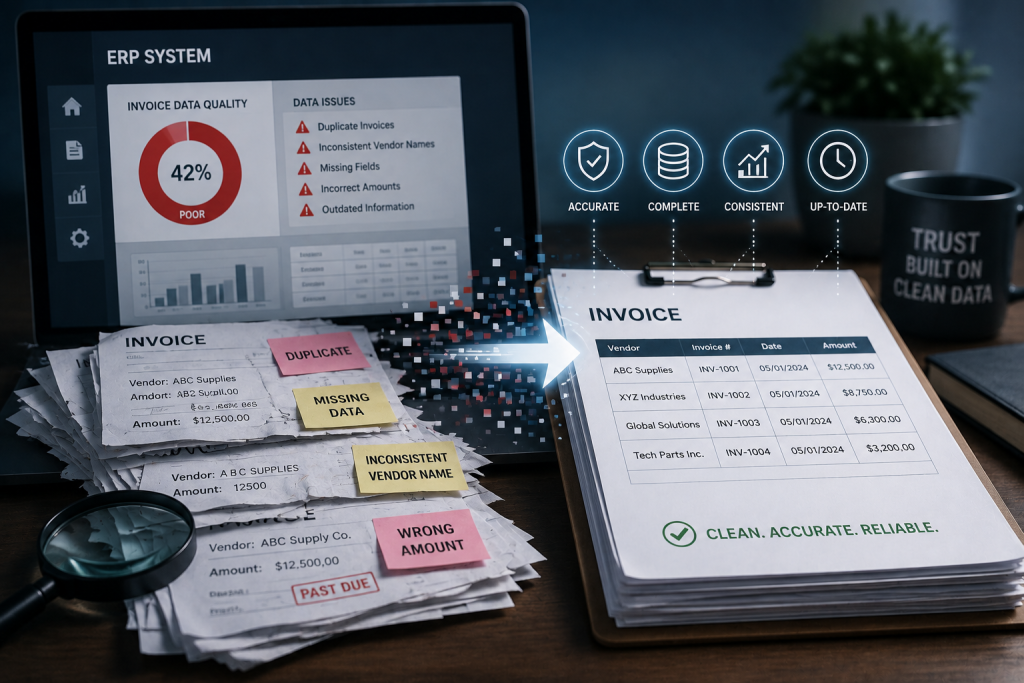
Invoice data in your ERP does not stay clean. It degrades. Quietly, over time, through a combination of system changes, process shortcuts and workflow gaps that no single person sees in full.
The result is payment records that are technically complete but practically useless for reconciliation, duplicate detection or audit. And it costs money — in overpayments you cannot detect, in manual effort to piece together what happened, and in lost leverage when you try to renegotiate terms with vendors.
How Data Degrades
System upgrades are the most common culprit. SAP, Oracle and JD Edwards all evolve their data models with each release. Custom fields get retired. Table structures change. Interfaces that once populated vendor details or payment terms stop working, and the gaps get filled with defaults or left blank.
Historical invoices remain in the system, but the context needed to interpret them correctly is gone. A cost center code that made sense in 2019 may have been reorganized twice since then. A vendor master record that was merged with another entity loses the original payment address. A purchase order linked to an invoice may have been archived under a different retention schedule.
Workflow bypasses accelerate the problem. When approval paths break or slow down, users find workarounds. They upload invoices in bulk using scripts that skip validation. They manually post invoices directly to the GL to meet a deadline. They bypass three-way matching because the receiving document is missing.
Each workaround leaves a gap. Missing approval stamps. Blank tax codes. Payment terms that default to net-30 when the contract specifies net-60. The invoice gets paid, the books close, and no one notices the missing data until months later when you need it.
The Cost of Degraded Data
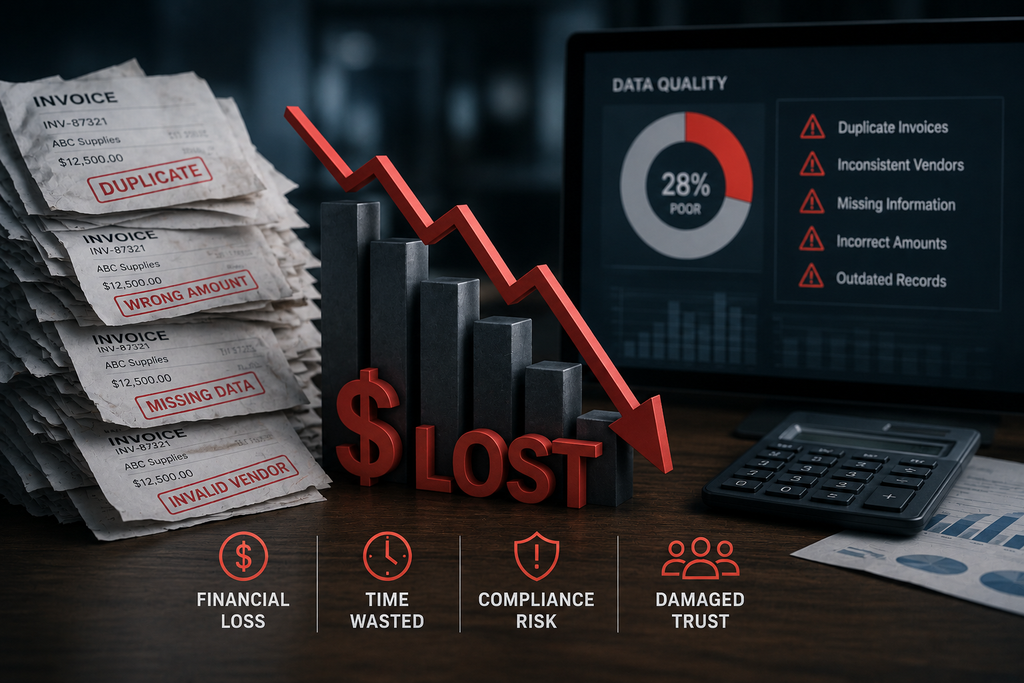
Duplicate payments are harder to detect when data is inconsistent. Vendor names vary. Invoice numbers are truncated. Amounts round differently depending on which upload script was used. Automated duplicate-detection tools miss matches because the data does not align.
Overpayment recovery depends on complete records. If an invoice lacks a valid PO number, or the receiving document is missing, or the pricing table was never populated, proving that you overpaid becomes a manual research project. Many overpayments go unrecovered simply because the supporting data is incomplete.
Contract compliance suffers. You negotiated a discount structure, but if invoices lack the line-item detail needed to verify pricing, you cannot tell whether the vendor is billing correctly. You agreed to early-payment terms, but if payment dates are recorded inconsistently, you cannot calculate whether you earned the discount.
Month-end close takes longer. When data is missing or inconsistent, reconciliation requires manual investigation. Accountants spend hours tracking down supporting documents, correcting misclassified invoices, and asking vendors to resend copies because the original record is incomplete.
Where to Look
Start with mandatory fields that are frequently left blank. Payment terms, GL account codes, cost centers, tax jurisdictions, and vendor contact details are common gaps. Run a query across your AP invoice table and count how many records have null values in these fields.
Check for invoices processed outside standard approval workflows. Look for invoices posted directly to the GL without a linked purchase order or receiving document. Review exception logs for workflow bypasses or manual overrides. These are the invoices most likely to have incomplete data.
Compare vendor master records before and after mergers or system changes. If vendor IDs have been consolidated, the historical invoices under the old ID may no longer tie to the current vendor details. This breaks reporting and makes historical spend analysis unreliable.
Audit invoices processed during system upgrades or go-lives. These are high-risk periods when data validation rules may be temporarily relaxed or custom interfaces may fail. Invoices processed during these windows often have more missing data than invoices processed under normal conditions.
What to Do
Fix historical data where it matters most. Focus on high-value invoices, recurring vendors, and records needed for active audits or contract reviews. Do not attempt to clean every record — prioritize where incomplete data is blocking a specific recovery effort or compliance requirement.
Enforce validation at the point of entry for new invoices. Do not allow invoices to be posted with missing payment terms, blank GL codes, or invalid vendor IDs. If a field is mandatory for reporting or audit, make it mandatory in the workflow.
Document workarounds and eliminate them where possible. If users are bypassing approval workflows, find out why and fix the underlying process problem. If bulk-upload scripts are skipping validation, add validation to the script. Every workaround is a future data-quality problem.
Schedule periodic data-quality reviews. Do not wait for an audit or a system upgrade to discover gaps. Run quarterly queries to check for null values, orphaned records, and invoices processed outside standard workflows. Address problems while the context is still available.
Data does not degrade all at once. It erodes gradually, through small process failures that compound over time. The sooner you identify and fix the sources of degradation, the less it costs to recover what you have already overpaid — and the easier it is to prevent future leakage.
Frequently asked questions
What causes invoice data quality to degrade in ERP systems?
System upgrades that break custom fields, incomplete approval workflows that leave mandatory data blank, manual workarounds when interfaces fail, and mass-upload scripts that bypass validation rules are the primary causes. Each leaves gaps in payment terms, vendor details or tax codes that later prevent accurate reconciliation.
How do SAP upgrades affect historical invoice data?
SAP upgrades often retire custom fields or change table structures, leaving historical data orphaned or unmapped. Reporting tools may stop recognizing retired fields, and custom code that relied on specific data structures can fail silently. The original invoice records remain but become harder to query or reconcile.
Can invoice data degrade after an invoice is already paid?
Yes. Subsequent system changes, archiving processes that compress or move data, and modifications to vendor master records can all alter the context needed to interpret a paid invoice. If a vendor ID is merged or a cost center is reorganized, the original transaction becomes harder to trace or audit.
What is the financial impact of poor invoice data quality?
Poor data quality prevents accurate duplicate-payment detection, makes overpayment recovery difficult because the audit trail is incomplete, hides pricing discrepancies across purchase orders, and increases manual effort in month-end close. It also limits your ability to negotiate better terms because spend analysis is unreliable.
How do you detect invoice data degradation in Oracle or JD Edwards?
Run queries that check for null values in mandatory fields, compare record counts before and after system changes, review exception logs for workflow bypasses, and audit invoices processed outside standard approval paths. Missing GL codes, blank payment terms, or incomplete vendor addresses are common indicators.
Should you fix historical invoice data or just improve new data?
Fix both. Historical data matters for audits, overpayment recovery, contract compliance reviews, and trend analysis. New data needs validation rules and workflow enforcement to prevent future degradation. Cleaning historical records once often uncovers tens of thousands in recoverable overpayments.